PDF drawings
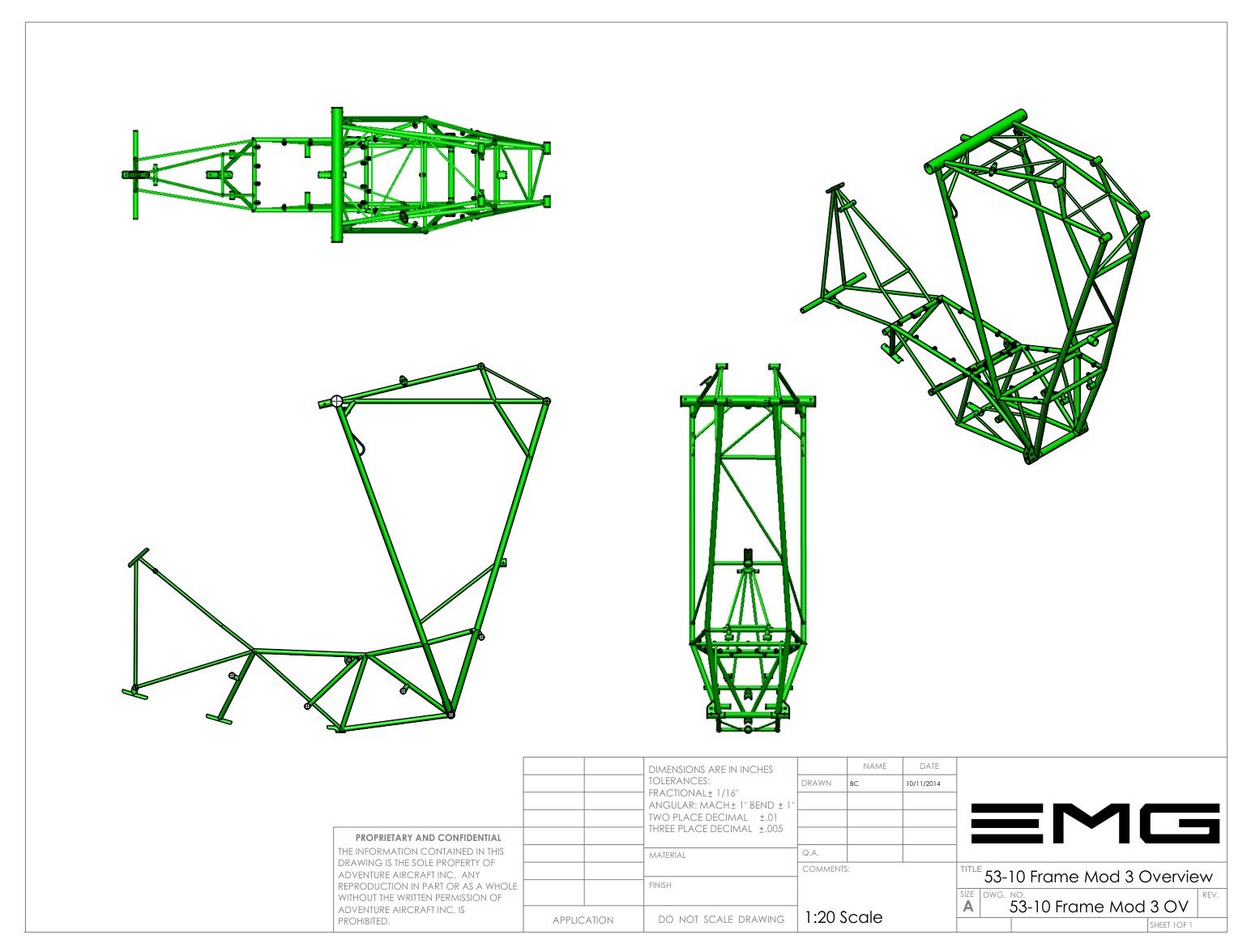
A-size sheets. Print them at home, keep them on a tablet, glue full-size templates straight onto the tube.
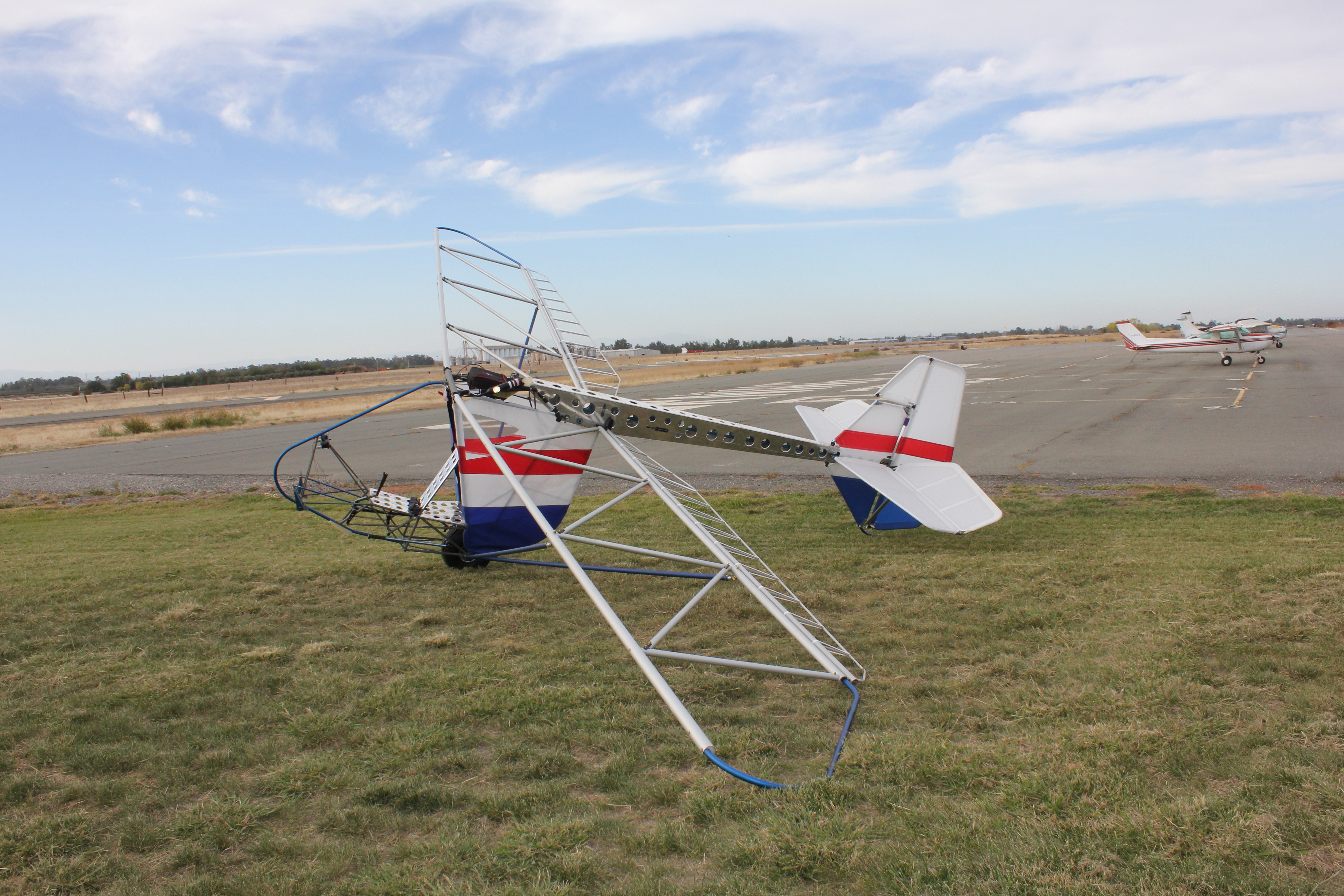
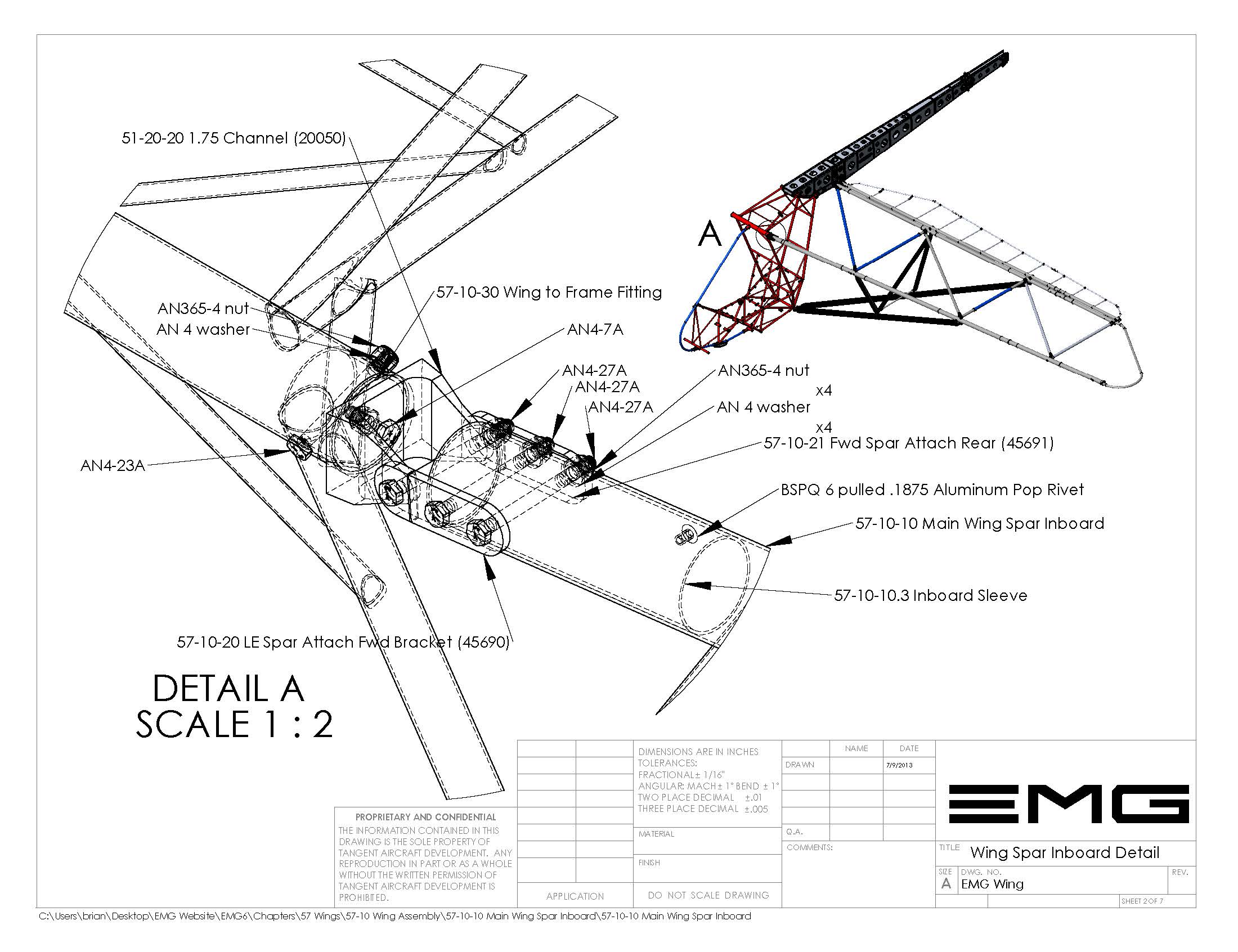
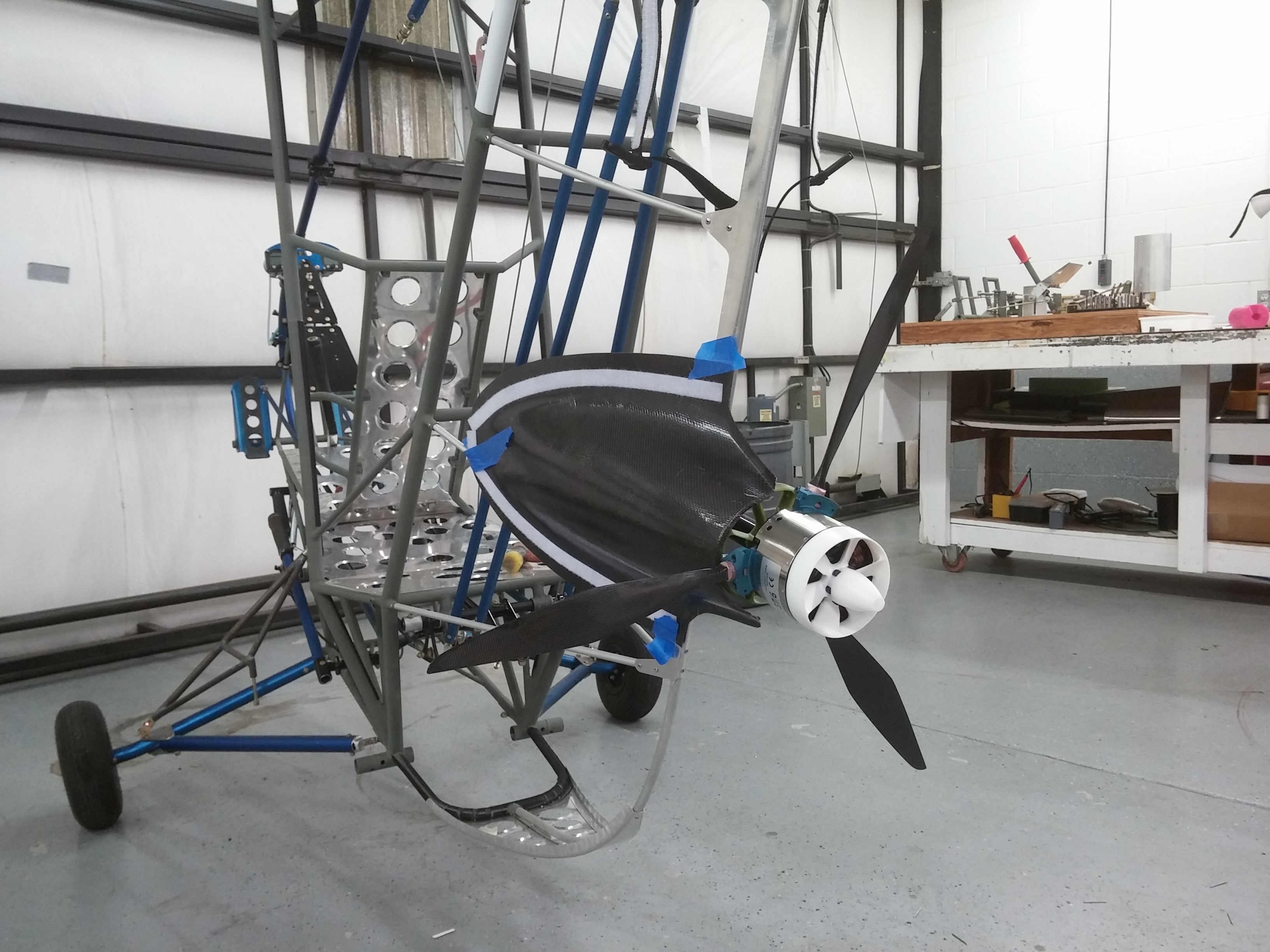
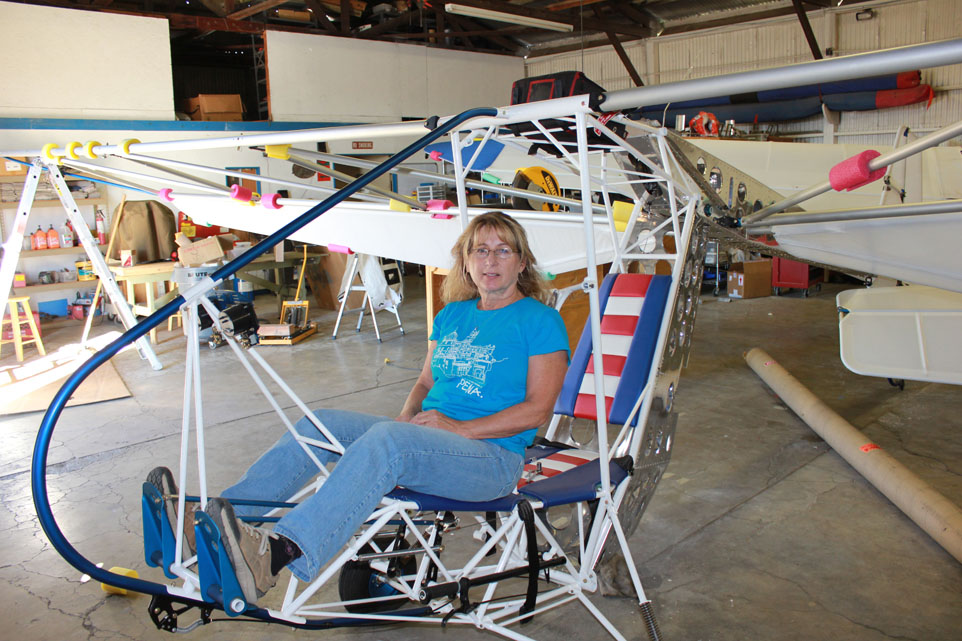
The set
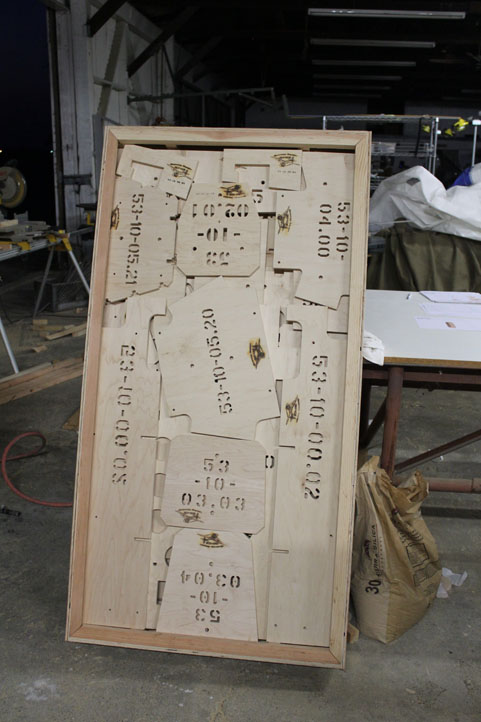
Chapters follow a modified ATA / JASC code. 53 is the fuselage. 53-20 is the boom. 53-20-52 is bulkhead number two. A drawing, a DXF, and a piece of tubing all point at the same place.
A-size sheets. Print them at home, keep them on a tablet, glue full-size templates straight onto the tube.
Jigs and patterns for clusters and fittings. Made for a shop that actually cuts metal.
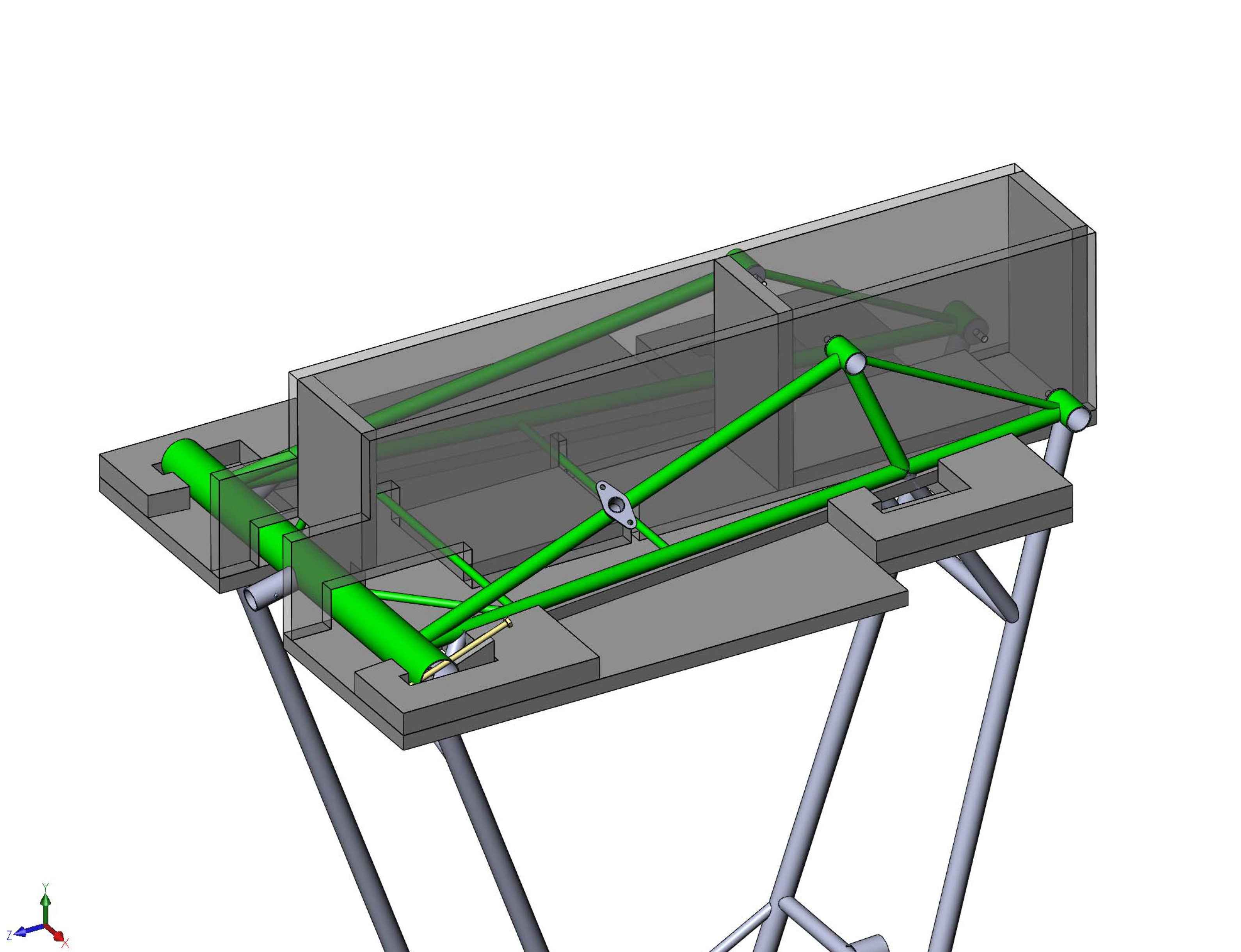
Rotate, section, touch a part, get the number. Learn a welded cluster before you light a torch.
Construction
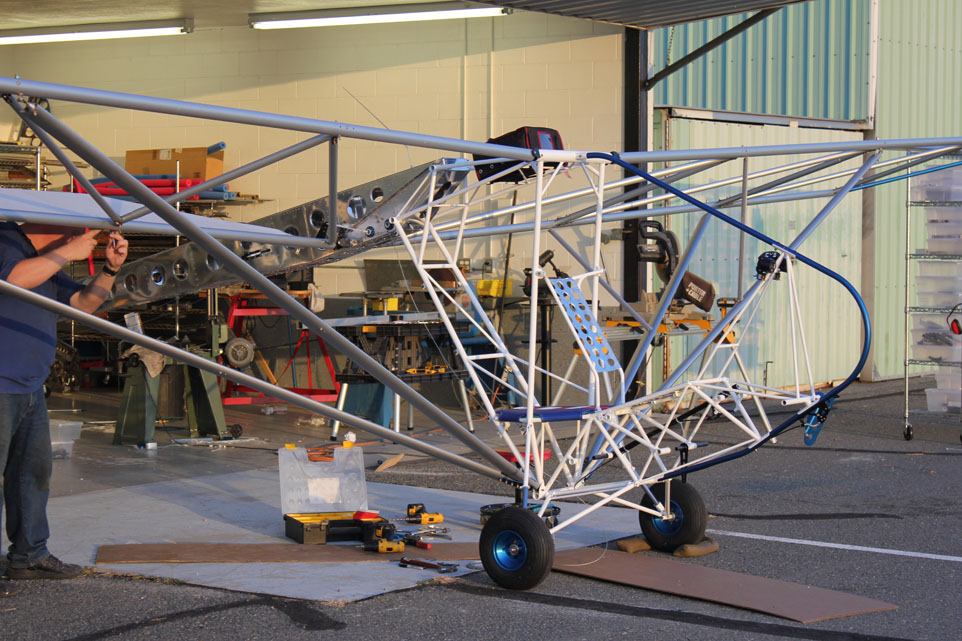
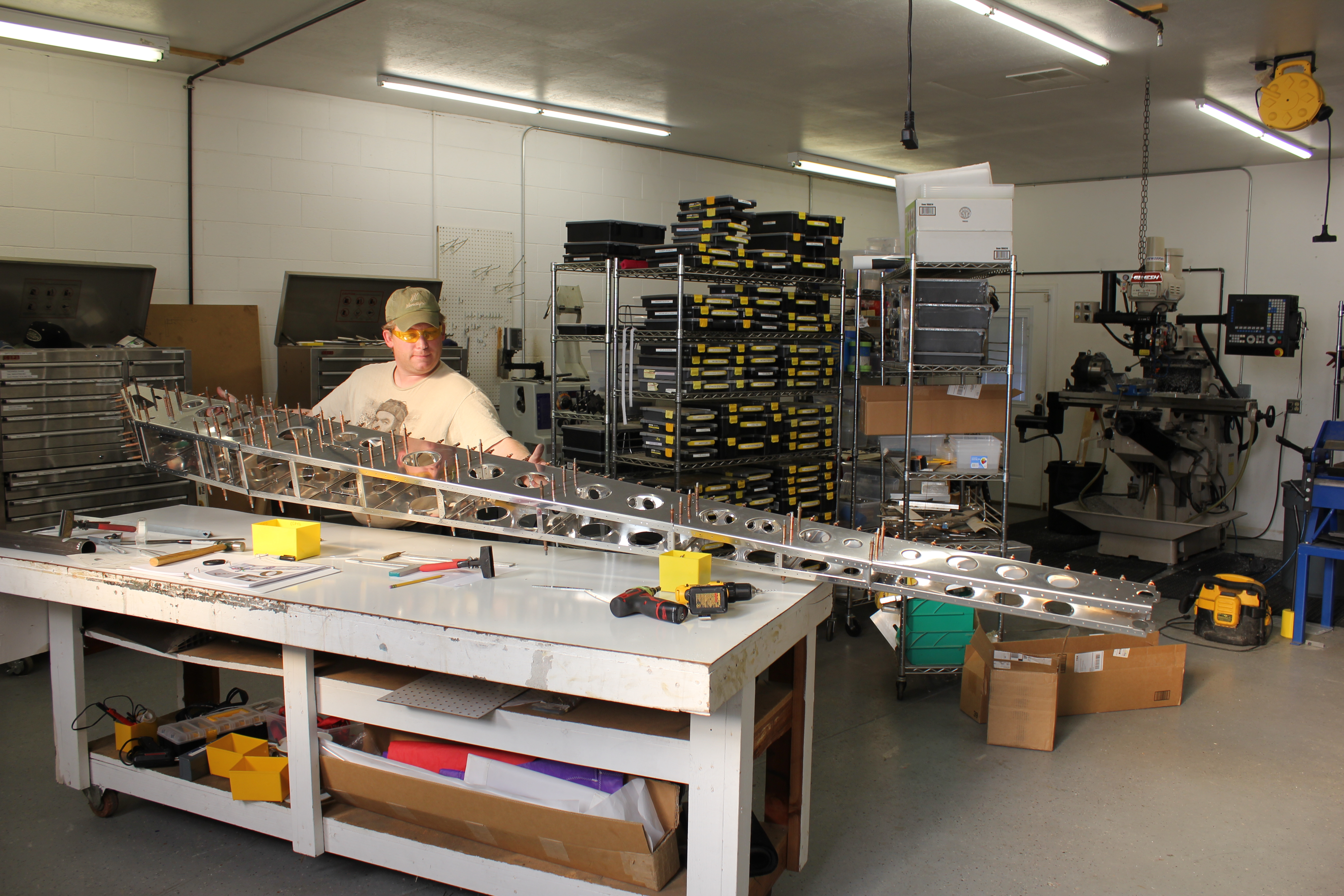
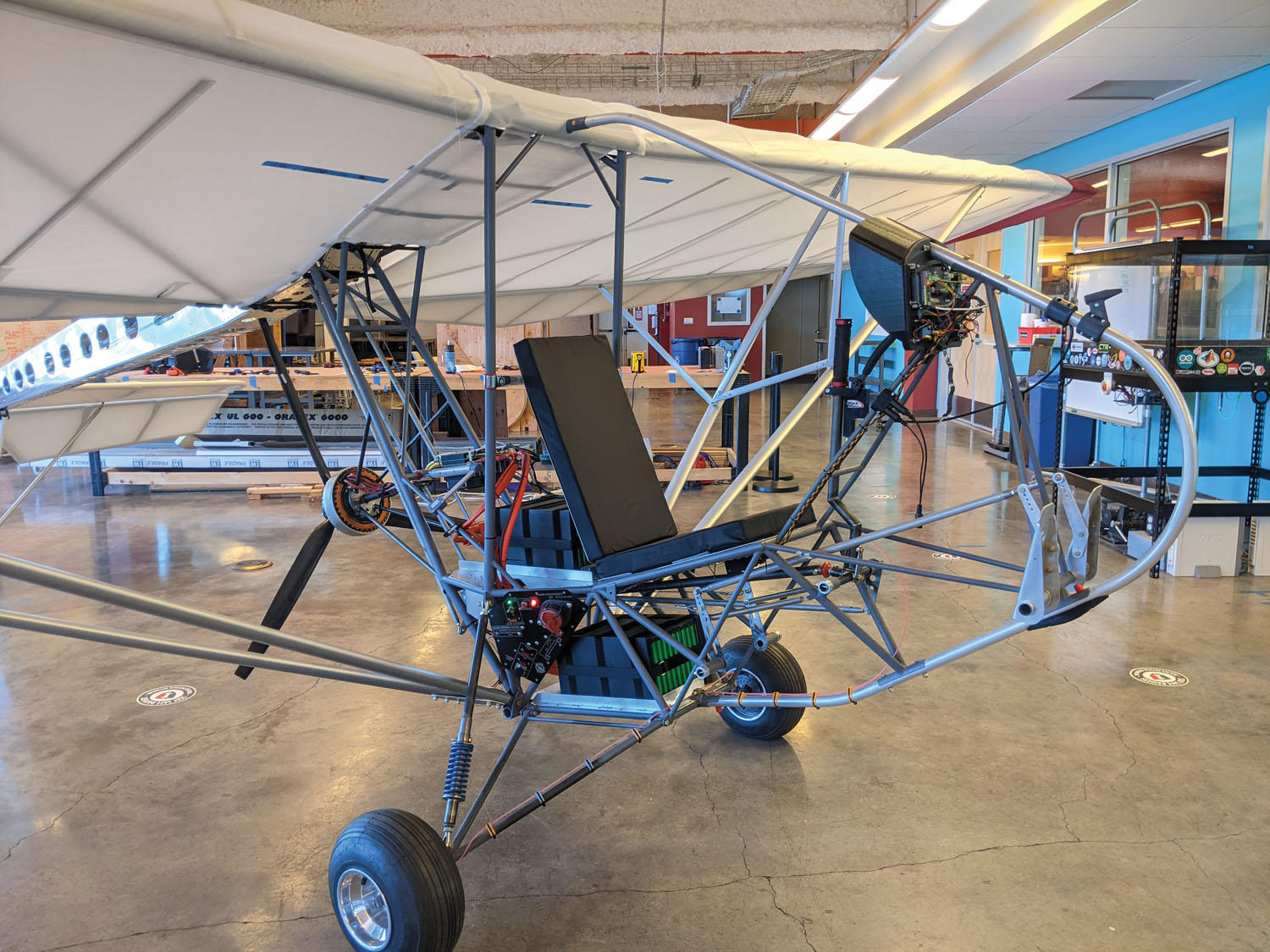
Aluminum tubing and Dacron — with CNC where it earns its keep. Some fittings need a mill. Some templates glue down and get cut with a bandsaw.
Quicksilver used to supply a slice of the original parts. That path is closed. Air-Tech and the usual ultralight vendors cover some of what is left. Weigh everything. The Part 103 line does not move because you had a long week.
Schools have already built one. If a shop class can finish it, a careful amateur can too.
3D
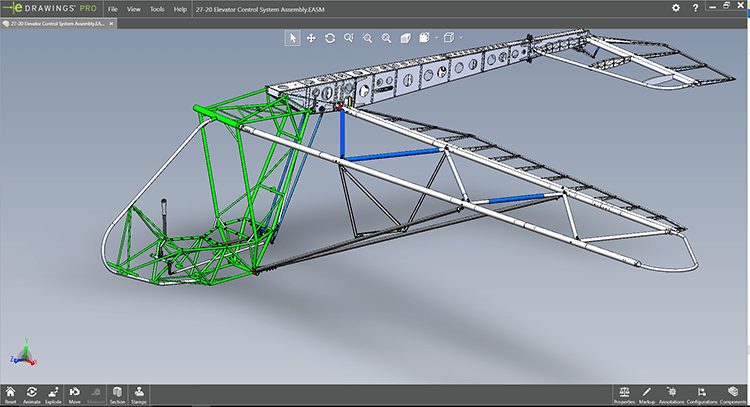
Open an assembly, section it, touch a cluster, get the part number. That is how you learn the airframe — not from a single exploded view on a poster.
Suggested path
01
Google Drive. PDFs on a tablet. Open the eDrawings and learn the clusters.
02
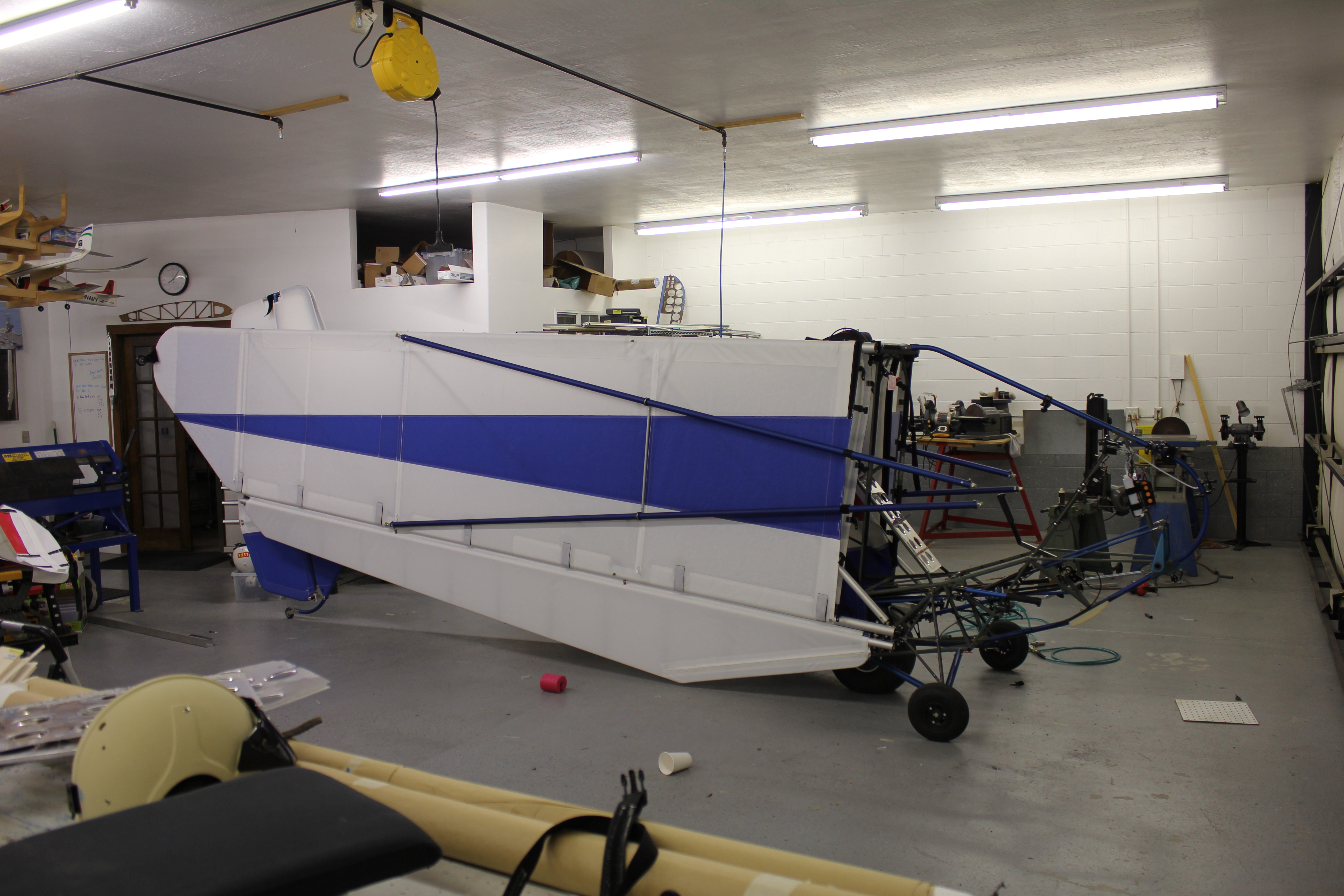
Fuselage, wing, tail, gear. Get it to flying weight as a glider. Tow it. Learn the handling.
03
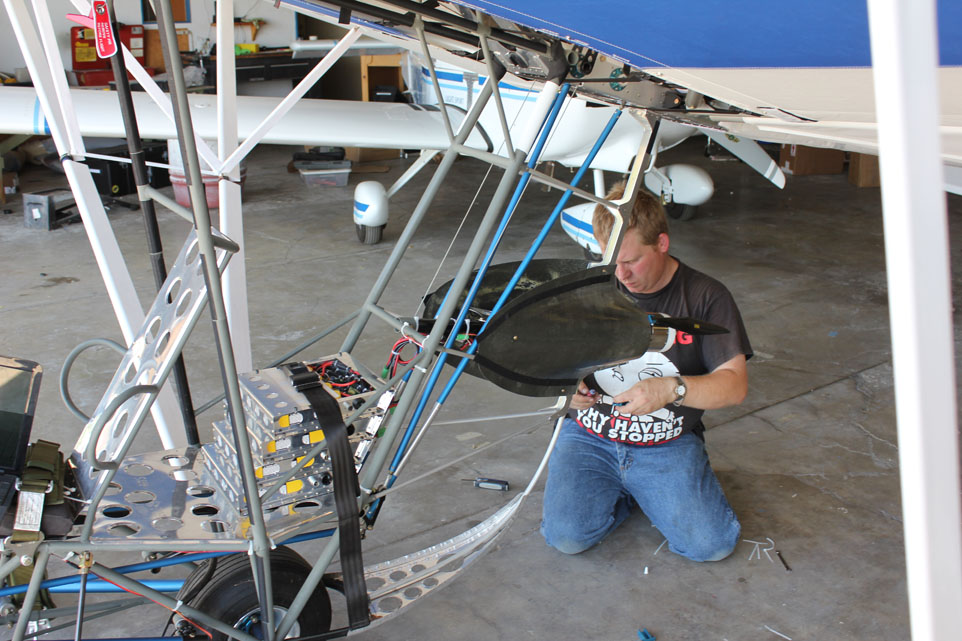
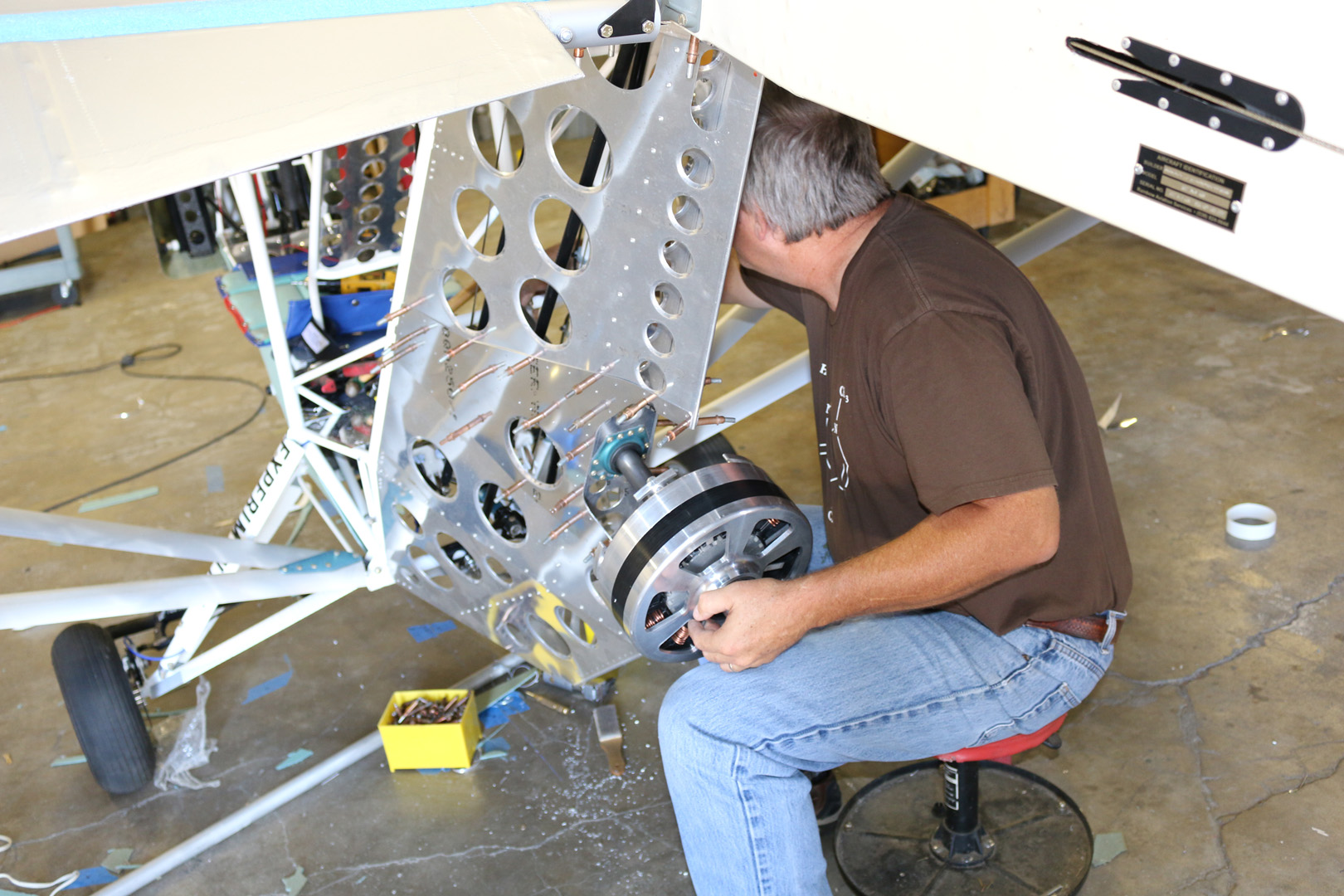
Electric tractor pods, a pusher, or a two-stroke if that is what you can support. The mounts are drawn for change.